August 11, 2026 • Doug Porter • 9 min reading time • Prices verified June 25, 2026
Epson V550 to V850 Pro: Matching the Flatbed to Your Film Format and Budget
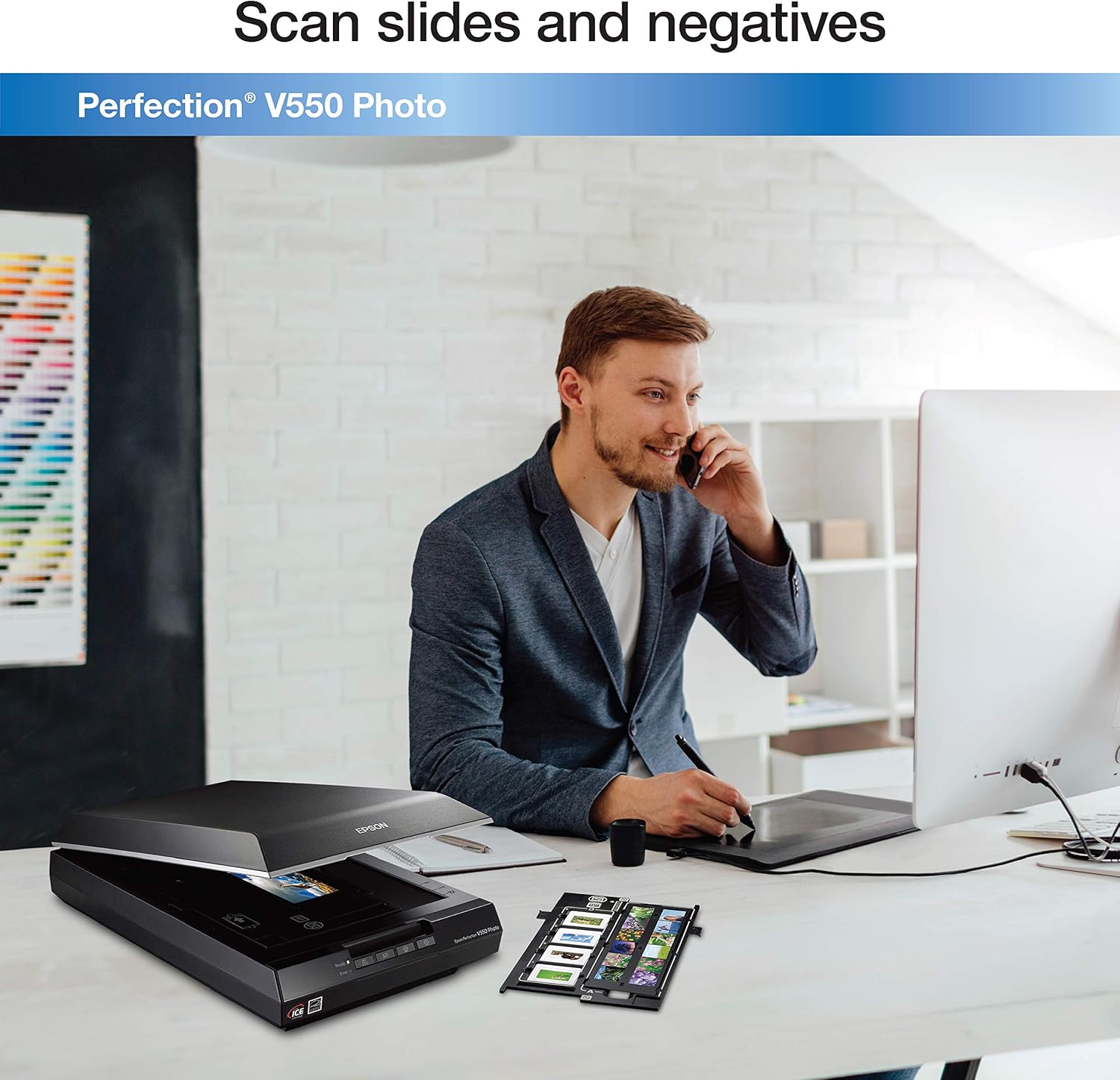
That box of film sitting on your desk — the envelopes of 35mm negatives, the carousel of mounted slides, maybe a stack of larger medium-format strips your grandmother labeled in ballpoint pen — holds something that no cloud backup can recreate from scratch. Scanning is how you rescue it. A flatbed scanner (a device with a flat glass bed and a moving light source underneath, like a fancy photocopier for film) is the most practical tool for doing that at home or in a small studio. Epson’s Perfection line is the dominant choice in this space, spanning from the ~$200 V550 to the ~$900 V850 Pro. But “Epson flatbed” is not one thing — the gap between the bottom and top of that lineup is larger than the price difference suggests, and choosing wrong means either spending money you didn’t need to, or hitting a resolution ceiling that forces you to re-scan everything later. This guide maps each model to the film formats and workflow scenarios where it genuinely earns its place.
What the Spec Sheet Is (and Isn’t) Telling You
Epson’s marketing numbers lead with optical resolution — the V550 is listed at 6,400 dpi (dots per inch — meaning the scanner can resolve 6,400 distinct points of detail per inch of film) and the V850 Pro is also listed at 6,400 dpi. On paper, that looks like parity. It is not.
The critical distinction is usable optical resolution versus interpolated resolution. Interpolated resolution (sometimes called “enhanced” resolution) is software math — the scanner guesses at detail that its lens and sensor never actually captured. filmscanner.info’s flatbed comparison database, which aggregates real-world resolution tests across the Epson lineup, consistently shows that the V550’s practical ceiling for 35mm film is closer to 1,800–2,200 effective dpi before detail becomes noise rather than actual grain structure. The V600’s dual-lens system (it physically switches between two lenses depending on scan area) pushes that to roughly 2,400–3,200 effective dpi. The V800 and V850 Pro, with their precision-machined lens path and better film holders, can genuinely deliver 3,200–4,000 effective dpi on 35mm — and that gap matters enormously for medium format, where you have more film area to work with.
Why this matters by format:
- 35mm film (the standard 24mm × 36mm frame from a point-and-shoot or SLR camera): Even a V600 captures enough resolution for sharp 8×10 prints and clean digital archives. The V850 Pro gives you headroom for larger prints and aggressive cropping.
- Medium format (120/220 roll film producing frames from 6×4.5cm up to 6×9cm — roughly 2–6× the area of 35mm): This is where the higher-end scanners justify their cost. More film area means you need less resolution per inch to achieve the same final print quality — but you also need a scanner whose film holder keeps the film flat, which is harder to engineer at larger sizes.
- 4×5 large format (sheet film used by view cameras — 4 inches × 5 inches per sheet): Only the V800 and V850 Pro have film holders designed for this. The V550 and V600 can technically scan 4×5 with aftermarket holders, but without a dedicated holder the film-to-glass distance varies, softening the entire scan.
The Luminous Landscape’s medium-format scanning feature makes this point plainly: the V850 Pro’s dual-lens system and precision film holders represent a meaningful real-world resolution advantage over mid-range flatbeds when the subject is 6×6cm or larger film, even though the headline dpi numbers look identical.
The Lineup, Model by Model
Epson Perfection V550 (~$180–$220 as of May 2026)
The V550 is a competent document scanner that also handles film — in that order. It includes basic 35mm negative and slide holders and will produce serviceable scans for online sharing, small prints, and basic archiving. It does not include a medium-format film holder, and its single-lens design limits effective resolution for anything demanding fine grain retrieval.
Best for: Someone scanning a mix of documents and occasional 35mm prints or negatives, with no medium-format material and no plans to print larger than 8×10.
Hard ceiling: 35mm grain-level work is at the edge of its capability. No dedicated 120 film holder. If you have Kodachrome slides, note that the V550 supports Digital ICE (infrared dust removal) — but per Epson’s own documentation, Digital ICE is incompatible with Kodachrome because Kodachrome’s dye layers absorb infrared light, causing the correction algorithm to mistake actual image detail for dust. You must scan Kodachrome without ICE and clean manually.
Epson Perfection V600 (~$280–$330)
The V600 adds a second lens optimized for film and a dedicated 120/220 medium-format film holder. imaging-resource.com’s V600 review notes the dual-lens design produces meaningfully sharper film scans compared to single-lens flatbeds in the same price class. It also supports Digital ICE for compatible film stocks.
Best for: Family historians and genealogists scanning a mix of 35mm and medium-format material who want a single scanner that handles both formats without requiring a larger investment.
Honest tradeoff: The V600’s medium-format holder is functional but not precision-machined to the standard of the V800/V850 Pro’s holders. Owners consistently report that film flatness — especially with older, curled 120 film — is harder to control, which introduces soft edges on wide frames. For archival work where every frame matters, this is worth knowing.
Epson Perfection V800 and V850 Pro (~$750–$950)
These are functionally the same scanner with one meaningful difference: the V850 Pro ships with two sets of film holders per format (a standard holder and a thicker fluid-mount-style holder for when film needs extra flattening). B&H Photo Video’s product listing for the V850 Pro confirms it includes holders for 35mm strips, 35mm mounted slides, 120/220 medium format, and 4×5 large format — all in the box.
The V800 and V850 Pro share the same dual-lens optical system, the same rated 6,400 dpi optical resolution, and the same Digital ICE 4 Advanced dust and scratch removal. Epson America’s specification sheet lists both at a maximum optical resolution of 6,400 × 9,600 dpi (the higher vertical number reflects the scan carriage direction).
Best for: Anyone scanning medium-format film at archival quality, any 4×5 large-format work, fine-art photographers who need maximum headroom for large prints, and small studios or independent labs handling varied film formats in a single session.
Decision between V800 and V850 Pro: If you anticipate scanning curled or damaged film regularly, the extra holders in the V850 Pro box are worth the $100–$150 price premium. If your film is in good condition and lies flat, the V800 delivers identical optical results.
By the Numbers: Format vs. Scanner Match
| Film Format | V550 | V600 | V800 / V850 Pro |
|---|---|---|---|
| 35mm (archive/share) | ✓ Good | ✓ Good | ✓ Excellent |
| 35mm (large print / grain) | ⚠ Limited | ✓ Capable | ✓ Best |
| 120 medium format | ✗ No holder | ✓ Capable | ✓ Best |
| 4×5 large format | ✗ | ⚠ Workaround only | ✓ Purpose-built |
| Kodachrome (without ICE) | ✓ | ✓ | ✓ |
ICE = Digital ICE infrared dust removal — incompatible with Kodachrome on all models.
The Hidden Costs Nobody Mentions
Budget buyers often compare purchase prices and stop there. Here’s the fuller ledger to run before committing.
Film holders matter more than most buyers expect. The Library of Congress’s digital format guidance for still images emphasizes that mechanical consistency — holding film at a precise, repeatable distance from the lens — is a prerequisite for archival-quality digitization. Cheap aftermarket holders for formats the scanner doesn’t natively support can introduce focus variation that no software correction fully recovers.
Scan time per frame is real labor. A V600 scanning a 6×6cm medium-format negative at high resolution takes 3–5 minutes per frame including preview and save time. If you have 200 rolls of 120 film, that math compounds quickly. The V850 Pro’s workflow tools (better bundled software, faster USB 3.0 connection) help at the margin but don’t change the fundamental physics of a high-resolution flatbed scan.
Storage scales with format size. A 35mm scan at 3,200 dpi produces a TIFF (lossless image file) of roughly 80–120 MB. A 6×6cm medium-format scan at equivalent resolution produces 300–500 MB. If you’re scanning 120 film archives for a client or institution, storage costs are a budget line, not an afterthought.
Software is not included in the box at the level you’ll need. Epson’s bundled Scan 2 software is adequate for basic work. Most intermediate-to-professional users migrate to SilverFast (perpetual license, $100–$500 depending on scanner and edition) or VueScan ($100 perpetual) for finer color profile control, batch automation, and IT8 calibration target support — which brings actual measured color accuracy rather than manufacturer-default profiles.
Upgrade Path and Decision Rules
If you’re deciding right now, here’s the honest framework:
If your collection is 35mm only and your output goal is web/social and prints up to 8×10: The V600 is the practical sweet spot. The V550 saves you $100 but gives back too much resolution headroom for the marginal savings.
If you have any 120 or 220 medium-format film: Do not buy a V550. The V600 handles it adequately; the V800/V850 Pro handles it well. The question is whether your medium-format material is archivally significant enough to justify the jump to ~$850.
If you have 4×5 sheet film or are running a small studio that handles mixed formats from clients: The V850 Pro is the only sensible answer in the Epson flatbed lineup. Anything below it requires workarounds that compromise the output and your professional credibility.
If Kodachrome slides are a significant part of your collection: Every scanner in this lineup requires you to disable Digital ICE for those frames and clean them manually before scanning. Budget the time. The V850 Pro doesn’t solve this problem — no flatbed does. (A dedicated film scanner like the Plustek OpticFilm 8300i Ai handles 35mm Kodachrome with better per-frame control, at the cost of only doing 35mm.)
If budget is the binding constraint: Rent before you buy. B&H Photo Video and several independent photo labs offer scanner rental by the day or week. Scanning a test batch on a V600 and a V850 Pro before purchasing is the single highest-return use of $50–$100 in this decision.
The film in those boxes is not getting any younger, and it’s not getting any cheaper to rescue once the dye layers continue to shift. The scanner you buy today is a commitment to the resolution ceiling you’ll live with for the next decade of archival work — which makes getting the format match right the most important variable in the entire decision.