September 14, 2026 • Doug Porter • 10 min reading time • Prices verified June 25, 2026
Calibrite vs. Spyder for Film Restorers: Which Colorimeter Actually Fits Your Workflow
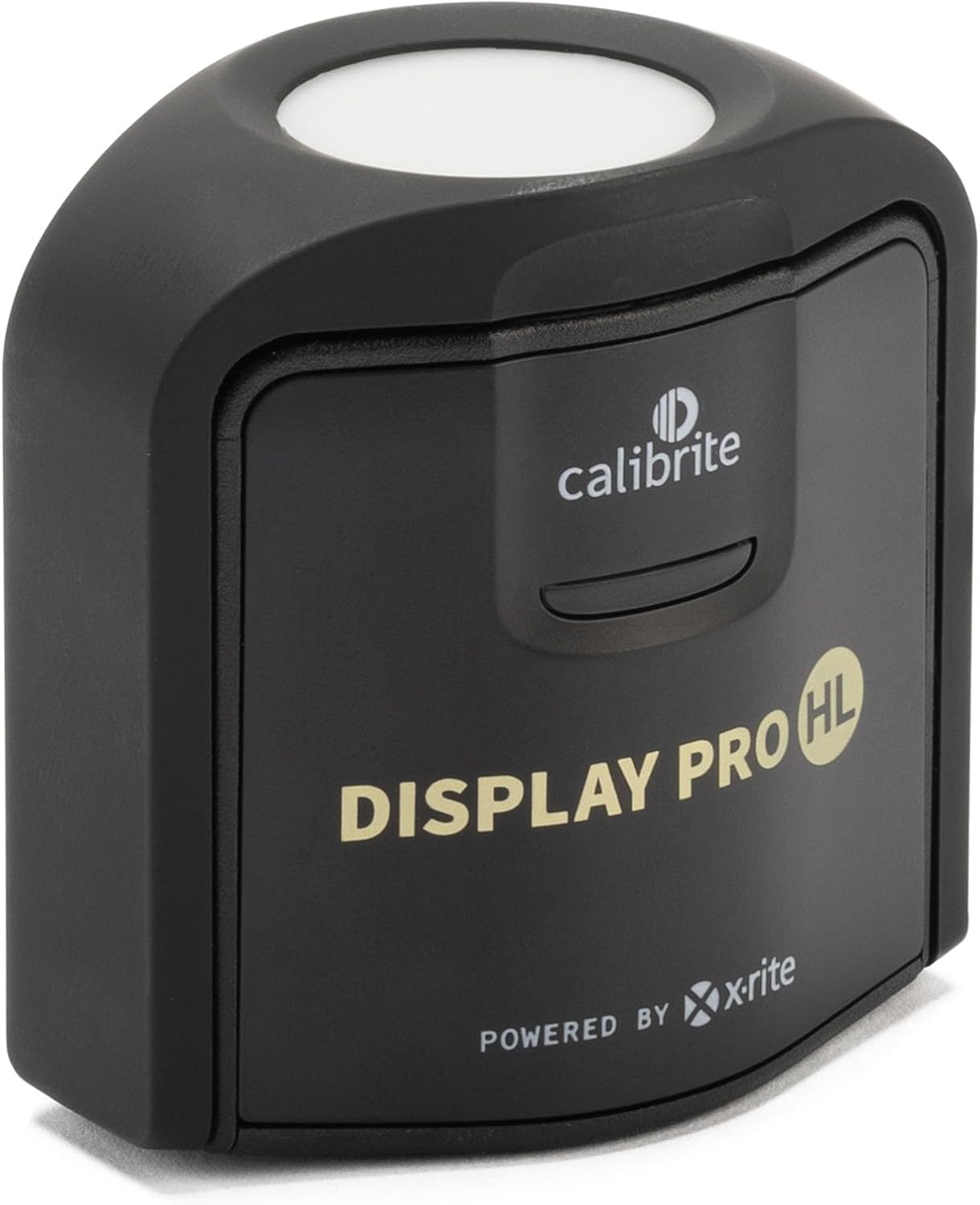
Imagine spending three hours correcting the cyan shift on a roll of 1970s Kodachrome — pulling back that characteristic blue-green drift that Kodachrome slides develop as their dye layers age — only to print the result and discover the warm tones look nothing like what you saw on screen. The print isn’t wrong. Your monitor was wrong the entire time. A colorimeter is a small hardware device that reads your monitor’s actual color output and generates a correction profile so your screen shows accurate color. It sits between “I think this looks right” and “I know this is right.” For anyone restoring scanned film — whether you’re correcting Ektachrome’s magenta fade or rebuilding shadow detail in underexposed Tri-X — monitor calibration isn’t optional equipment. It’s the foundation every other decision rests on.
The two brands that dominate this category for imaging professionals are Calibrite (formerly part of X-Rite, now independent) and Datacolor’s Spyder line. Both make solid hardware. But they have genuinely different strengths, compatibility quirks, and workflow personalities. If you’re mid-workflow — a scanner on your desk, Lightroom or Photoshop open, film restoration as either a paid service or a serious personal project — here’s the comparison that helps you pick one and move on.
| EDITOR'S PICKCalibrite Display Plus HL Monit… | Mid-tierCalibrite Display Pro HL Monito… | Budget pickCalibrite ColorChecker Passport… | |
|---|---|---|---|
| Max brightness | 10000 nits | 3000 nits | — |
| Sensor type | HL | HL | — |
| Display types | Mini LED, OLED | LCD, Mini LED, OLED | — |
| Calibration unit | Colorimeter | Colorimeter | 4-target kit |
| Software bundled | PROFILER | PROFILER | — |
| Cable included | USB C w/ adapter | USB C w/ adapter | — |
| Price | $259.00 | $199.00 | $119.00 |
| See on Amazon → | See on Amazon → | See on Amazon → |
Why Factory Monitor Calibration Is the Problem You Don’t Know You Have
The most consistent finding across professional review coverage is also the most humbling: out-of-the-box monitor settings are almost never accurate for color-critical work. Writing on monitor calibration for photographers at Luminous Landscape (luminous-landscape.com) describes the typical factory profile as optimized for retail brightness — designed to look vivid in a showroom, not to accurately represent a color space. Photopxl’s color management fundamentals guide (photopxl.com) puts it plainly: most monitors ship calibrated to a color temperature of around 6500K with elevated brightness, which skews warm tones and blows out highlights in ways that feel natural until you see the corrected version.
One experience documented repeatedly among colorimeter owners is genuinely startling: restorers who calibrate for the first time report seeing shadow detail they had never noticed before — not because it wasn’t in the scan, but because their monitor was crushing it. A calibration session that takes under ten minutes can reveal structure in dark areas of a negative scan that looked like pure black on an uncalibrated screen. That’s not a marginal improvement. It changes what you decide to restore and how far you push the edit.
The secondary discovery, reported by multiple users who calibrated more than one screen, is how badly multiple monitors in a single household or studio can differ from each other — and from any consistent standard. For anyone who edits on a desktop and reviews on a laptop, that gap between screens is actively undermining consistency across a project.
Calibrite vs. Spyder: The Core Comparison
Both brands sell colorimeters in roughly parallel tiers. The entry point is Datacolor’s SpyderX Express and Calibrite’s Display; the professional tier is the SpyderX Pro and Spyder X2 Ultra on one side and the Calibrite Display Plus HL on the other. The HL designation in Calibrite’s line indicates HDR and wide-gamut support — relevant if you’re working on a newer display that covers DCI-P3 or HDR content.
The comparison below covers the three most relevant decision points for a working film restorer: the entry-level option, the mid-tier workhorse, and the premium wide-gamut solution.
Entry-Level Option: SpyderX Express vs. Calibrite Display
Calibrite CCPP2
$119.00
In stock on Amazon
Check price on AmazonThe SpyderX Express is the fastest option in either brand’s lineup. Datacolor’s official product documentation lists a typical calibration time of approximately 76 seconds — and that figure is consistently confirmed by professional reviewers. This is not a modest advantage. If your workflow involves calibrating before a critical edit session rather than on a fixed monthly schedule, the friction difference between 76 seconds and five minutes compounds meaningfully across a year of use.
The Calibrite Display covers the same standard-gamut territory but runs closer to three to five minutes for a full session. Its software — Calibrite PROFILER — offers more configurable profiling targets, which matters less at this tier than it does for professional print delivery work.
For a restorer working on a standard sRGB IPS monitor (the most common panel type in prosumer restoration setups, typically found in monitors under $800), the SpyderX Express is genuinely sufficient. The accuracy delta between Express and the Pro tier exists but is small on standard-gamut displays. B&H Photo’s colorimeter buying guide for imaging professionals (bhphotovideo.com) makes clear that entry-level colorimeters are appropriate for standard-gamut displays and that upgrading to a higher tier is driven primarily by display capability, not restoration subject matter.
Summary: For standard sRGB monitors, the SpyderX Express wins on speed and simplicity. The Calibrite Display wins if you prefer a more configurable software environment.
Calibrite CCPP2
$119.00
In stock on Amazon
Check price on AmazonMid-Tier Option: SpyderX Pro vs. Calibrite Display Plus
Calibrite
$199.00
In stock on Amazon
Check price on AmazonThe SpyderX Pro extends the Express with additional patch sampling, unlimited display targets, and the ability to generate profiles for projectors — useful if your review workflow involves projection. Calibration runs five to eight minutes. Datacolor’s Spyder X Pro user documentation confirms the expanded patch count and notes the software includes ambient light monitoring, which adjusts profile recommendations based on your room’s lighting conditions.
The Calibrite Display Plus is the non-HL version of Calibrite’s mid-range offering. It covers standard gamut displays with more profiling options than the entry Display tier, but without the wide-gamut and HDR measurement capability of the HL version.
At this tier, the platform compatibility differences begin to matter more. The SpyderX Pro integrates more cleanly with Apple Silicon on current macOS versions through 2026. On Windows 11 with HDR enabled, owners have documented a specific calibration error during the SpyderX profiling process; the documented fix is to disable Windows HDR in display settings before running calibration, then re-enable it afterward. Datacolor’s support documentation does not prominently flag this, so it tends to surface mid-workflow rather than pre-purchase.
Summary: For users on Apple Silicon running current macOS who need more than the Express tier, the SpyderX Pro is the lower-friction path. For Windows users with standard-gamut displays who want deeper profiling options, the Calibrite Display Plus competes well.
Calibrite
$199.00
In stock on Amazon
Check price on AmazonPremium Option: Spyder X2 Ultra vs. Calibrite Display Plus HL
Calibrite
$259.00
In stock on Amazon
Check price on AmazonThis is where the two brands diverge most sharply, and where the decision is clearest.
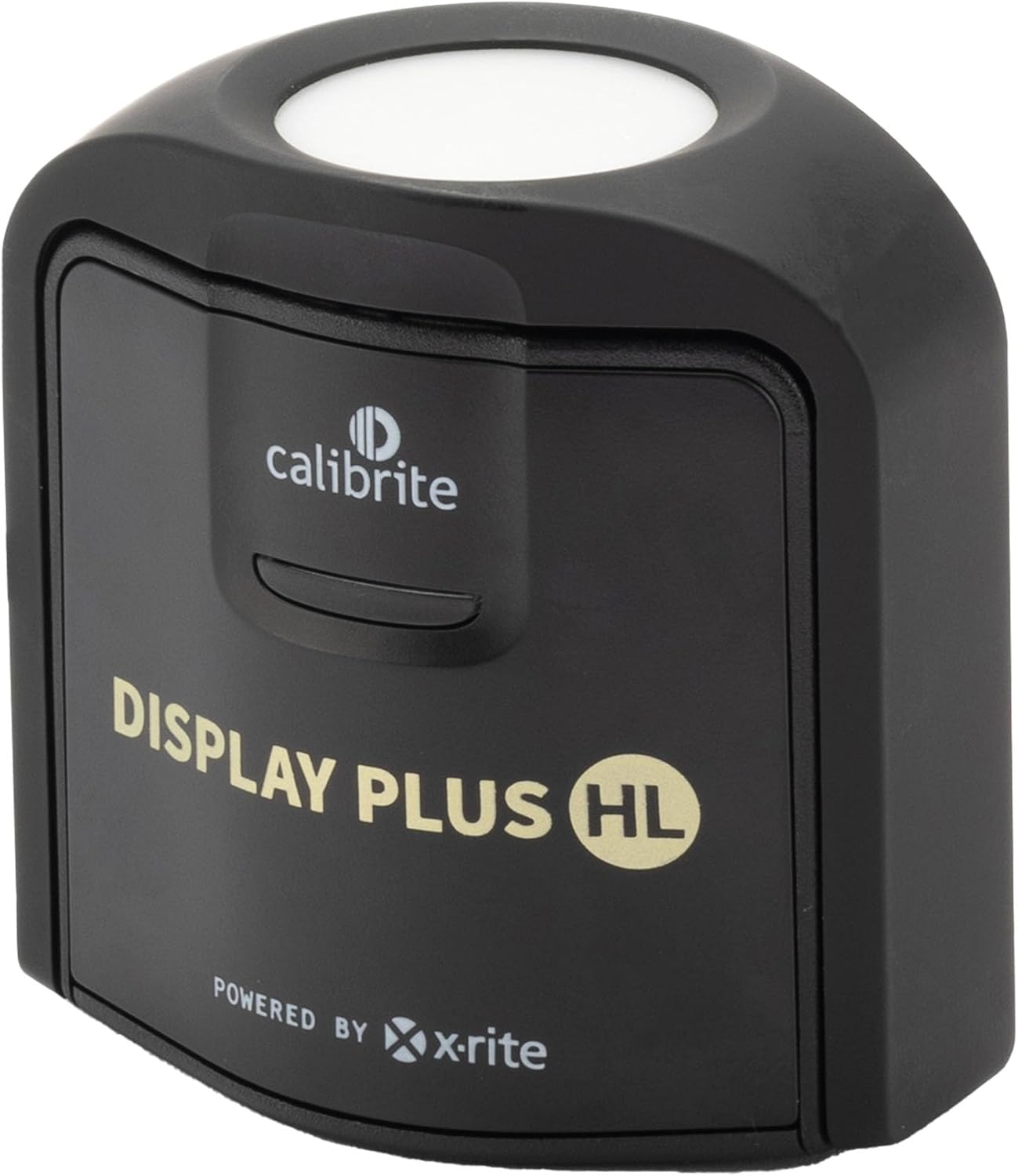
The Calibrite Display Plus HL is built specifically for wide-gamut (DCI-P3, Adobe RGB) and HDR-capable displays. Calibrite’s official product documentation describes the HL sensor as measuring HDR luminance levels that standard colorimeter sensors cannot accurately sample. For restorers outputting to wide-gamut print workflows — or working on displays that cover more than sRGB — this hardware accuracy advantage is real. Photopxl’s color management fundamentals coverage (photopxl.com) emphasizes that wide-gamut display profiling requires a sensor capable of reading the extended color volume, not merely applying a wider gamut tag to a standard-gamut measurement.
The tradeoff is software friction. One documented pattern in long-form user accounts is worth taking seriously: buyers who had previously used X-Rite or earlier Calibrite products before the brand’s software was updated describe the Calibrite PROFILER experience as more complex and less intuitive than the Spyder equivalent. The sensor hardware draws consistent respect; the software workflow around it is where friction accumulates. Additionally, there is a confirmed macOS compatibility issue affecting M1 and some M2 machines running macOS 24.6.1 or later: the fix is to use Calibrite PROFILER rather than the native macOS ColorSync workflow. This is workable, but it means calibration cannot run as a background system task — you must launch and run Calibrite’s application explicitly each time.
The Spyder X2 Ultra is Datacolor’s answer to the wide-gamut segment, with improved HDR measurement capability relative to the SpyderX Pro. Its software remains more streamlined than Calibrite PROFILER, and its Apple Silicon compatibility is more straightforward on current macOS. However, owner accounts from users with P3-wide displays report that the Calibrite HL sensor produces measurably tighter profiles at the wide-gamut edge.
Summary: For wide-gamut and HDR displays where print-accurate color at the P3 edge matters, the Calibrite Display Plus HL leads on sensor accuracy. For Apple Silicon users who need wide-gamut support without software headaches, the Spyder X2 Ultra is the lower-friction alternative.
Calibrite
$259.00
In stock on Amazon
Check price on AmazonThe ColorChecker Question: This Is Not the Same Tool
A meaningful number of buyers researching colorimeters encounter the Calibrite ColorChecker Passport and wonder whether it replaces a colorimeter for film restoration. It does not, and conflating the two is one of the more common and costly misunderstandings in this category.
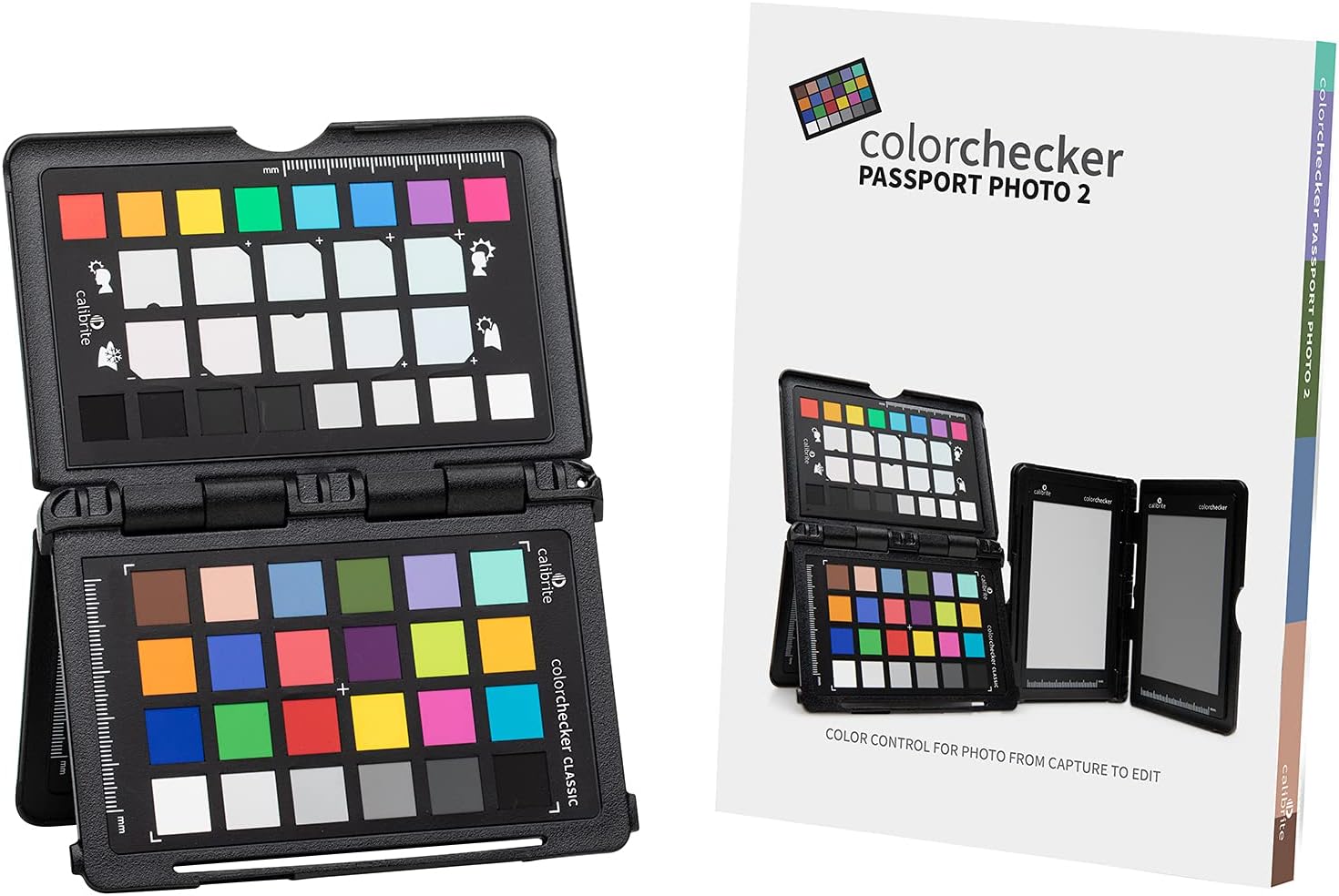
The ColorChecker Passport is a camera profiling target — a physical card with color patches you photograph under your shooting conditions, then use to build a profile that corrects your camera’s color interpretation for a specific light source. Per X-Rite’s official ColorChecker Passport Photo 2 product documentation, it is designed to address how a camera captures color under a given illuminant. That is genuinely useful for copy-stand film digitization work, where you’re photographing originals with a camera rather than scanning them electronically — the light source matters enormously in that workflow.
But a ColorChecker does nothing for display calibration. A ColorChecker target tells your editing software how to interpret the camera’s raw data. A colorimeter tells your editing software how your monitor is actually rendering the result of that interpretation. You need both if your workflow involves camera-based digitization. You need only the colorimeter if you’re working with a dedicated film scanner. Understanding which problem you’re solving — camera accuracy, display accuracy, or both — determines which hardware you actually need.
B&H Photo’s colorimeter buying guide for imaging professionals (bhphotovideo.com) makes this distinction clearly: camera profiling and display calibration are sequential steps in a color-managed workflow, not alternatives to each other.
Frequently Asked Questions
What is the difference between calibrating my monitor and calibrating my camera with a ColorChecker? Monitor calibration corrects how your screen displays color. Camera calibration with a ColorChecker corrects how your camera captures color. They solve different problems in the same workflow. For scanner-based film restoration, you need monitor calibration. For camera-based digitization, you may need both.
Do I need the Calibrite HL series if I have a standard IPS monitor? No. The HL designation is for wide-gamut (DCI-P3, Adobe RGB) and HDR displays. If your monitor is a standard sRGB IPS panel, the standard Display tier handles it without the HL premium.
How long does a calibration session take — SpyderX Express vs. SpyderX Pro? The Express runs approximately 76 seconds per Datacolor’s product documentation. The Pro typically runs five to eight minutes because it samples more patches and supports more profiling targets. The accuracy difference is real but modest on standard-gamut displays.
Will a colorimeter work with my Apple M1 or M2 Mac? Yes, with a caveat. The Calibrite Display Plus HL requires using Calibrite’s PROFILER software rather than the native macOS workflow on machines running macOS 24.6.1 or later. Spyder devices are more straightforward on Apple Silicon through 2026. Check both manufacturers’ current compatibility documentation before purchasing — this is a moving target as macOS updates roll out.
How often do I need to recalibrate? Both manufacturers and professional color management resources, including coverage at Luminous Landscape (luminous-landscape.com), recommend monthly recalibration for color-critical work, or whenever you notice a color shift. LCD panels drift over time, and seasonal ambient light changes in your workspace can also affect perceived accuracy.
Can one colorimeter calibrate multiple monitors? Yes. Both Calibrite and Spyder software identify each connected display and save distinct ICC profiles — the standardized file format that tells your operating system how to display color on a specific screen — for each one. You physically move the device from screen to screen during the session.