September 23, 2026 • Doug Porter • 9 min reading time • Prices verified June 25, 2026
The $70–$180 Wand Scanner Honest Reckoning: What You Actually Get for Your Money
That box of slides or stack of album prints you pulled out of the closet isn’t just old paper — it’s the only copy of your family’s history that exists anywhere on earth. The pressure to digitize it right is real, and the $70–$180 wand scanner sitting on a retail shelf (or appearing in a sponsored social post) looks like a miracle: swipe it across a photo, done. No computer required. No complicated software. Just you and your memories, handled in an afternoon.
This article is the honest version of that promise. A wand scanner — also called a portable hand scanner or swipe scanner — is a handheld device you drag manually across a flat image to capture it, rather than placing the image on a glass bed and letting a motor do the moving. That distinction sounds minor. It isn’t. Over the next 1,800 words, you’ll understand exactly what these devices can and can’t do, where the marketing numbers lie, and whether one belongs in your workflow — or whether the money is better spent elsewhere. By the end, you’ll have a clear decision rule, not just a list of specs.
| EDITOR'S PICKKODAK Slide N Scan Max Digital… | Mid-tierKodak SCANZA Digital Film & Sli… | Budget pickMagnasonic All-in-One 24MP Film… | |
|---|---|---|---|
| Film types | — | 35/126/110/S8/8mm | 35/126/110/S8 |
| Slide formats | — | — | 135/126/110 |
| Display size | 7" | 3.5" | 5" |
| Resolution | — | — | 24MP |
| Output format | — | JPEG | — |
| Built-in memory | — | — | ✓ |
| Price | $178.49 | $135.99 | $110.96 |
| See on Amazon → | See on Amazon → | See on Amazon → |
What the Marketing DPI Number Actually Means (And Why It Flatters These Devices)
Every wand scanner in the $70–$180 range advertises a resolution figure — typically 900 DPI, 1200 DPI, or even 1800 DPI. DPI stands for dots per inch, a measure of how much detail the scanner captures per inch of image. Higher is better, in theory.
The problem is the difference between optical DPI and interpolated DPI. Optical DPI is the real, physical resolution of the sensor — the number of individual light-sensing pixels packed into each inch of the scanning strip. Interpolated DPI is a software estimate: the scanner captures at a lower optical resolution and then mathematically invents the extra pixels. Invented pixels are not real detail. They’re a guess.
Filmscanner.info’s technology overview of portable wand scanners is blunt on this point: most consumer wand devices in this price tier have optical sensors topping out at 300–600 DPI, and the headline numbers on the box are interpolated. Luminous-landscape.com’s analysis of scanner resolution makes the same distinction clear — optical resolution is the ceiling you actually print to; interpolated resolution is marketing.
Why this matters for your specific use case:
- A standard 4×6 print scanned at a true 300 DPI optical yields a file large enough for a clean 4×6 digital display or a modest reprint. That’s fine for sharing to a family group or posting online.
- A 35mm film negative or slide (which measures roughly 1×1.5 inches) needs at minimum 2,000 optical DPI to make a print larger than a wallet photo. Wand scanners cannot do this. Full stop.
- Large-format prints (8×10 and up) scanned at optical 300 DPI will show visible softness at anything larger than screen resolution.
The Library of Congress’s digital preservation guidelines recommend a minimum of 400 PPI (pixels per inch — same concept as DPI in this context) for reflective prints intended for archival use, with higher rates strongly preferred for anything smaller than 8×10. Most wand scanners in this price range fail that floor for anything but the largest originals.
The Swipe Problem: Where Human Error Eats Your Resolution
Even accepting the optical resolution ceiling, wand scanners introduce a second variable that flatbed and dedicated film scanners don’t: you are the motor.
A flatbed scanner — the kind where you lift a lid and place your photo face-down on glass — moves its sensor at a mechanically controlled, perfectly consistent speed. The image capture is uniform from top to bottom. A wand scanner relies on your hand moving at a consistent speed and pressure across the surface. Across aggregated owner reviews catalogued on B&H Photo’s product listings and elsewhere, the pattern is consistent: swipe too fast and you get a compressed, squashed image; swipe unevenly and you get wavy distortion along vertical lines. Some wand models include an optical speed sensor and warn you audibly when you’re moving incorrectly, but owners report that even with that feature, rejects run higher than expected on the first dozen scans.
This isn’t a dealbreaker for casual digitization of larger prints — with practice, operators report acceptable results on 4×6 and larger photos. But it adds a real time cost that the “scan everything in an afternoon” marketing ignores.
By the numbers — realistic throughput comparison:
| Device type | Setup time | Scan time per image | Reject rate (reported) |
|---|---|---|---|
| Wand scanner ($70–$180) | None | 10–30 sec + retakes | 15–25% need redo |
| Flatbed scanner, reflective prints ($200–$400) | 2–3 min total | 45–90 sec (automated) | <5% |
| Dedicated film scanner ($500–$900+) | 5–10 min | 2–4 min (with ICE dust removal) | <2% |
The wand’s raw swipe speed sounds fast. The true throughput — accounting for retakes, file-checking, and the manual alignment required for each photo — is slower than it looks in demo videos.
What Wand Scanners Actually Do Well
None of this means every wand scanner is a waste of money. There are genuine use cases where the form factor wins:
Large, fragile documents and photos that can’t be placed face-down on a flatbed. If you have oversized album pages, newspaper clippings, or large mounted prints that physically cannot fit in a flatbed’s scanning area, a wand is one of the few affordable options. You move the device across the material rather than the material to the device. Imaging-resource.com’s comparison of portable vs. flatbed scanning notes this as the primary legitimate advantage of the wand form factor.
On-location archiving where carrying a flatbed is impractical. Estate clearance teams, small museum staff doing preliminary surveys, and genealogists working in relatives’ homes have reported using wand scanners as triage tools — capturing low-resolution reference images of what exists before deciding what gets professionally scanned.
Quick family sharing, not archival preservation. If the goal is “Mom wants a digital copy of this photo on her phone” rather than “we’re creating the archival master,” the quality ceiling of a wand scanner is probably sufficient. A 600 DPI optical scan of a 4×6 print yields a file around 2400×3600 pixels — more than enough for any screen and for reprints up to 4×6 or 5×7 at standard print DPI.
The honest position: wand scanners are triage and convenience tools, not preservation tools. If you own the originals and have any intention of making archival-quality files — files that will serve your family in 30 years, that can be reprinted at larger sizes, that can absorb future AI-enhancement processing — a wand scanner is not your answer.
The Film Slide and Negative Question: Don’t
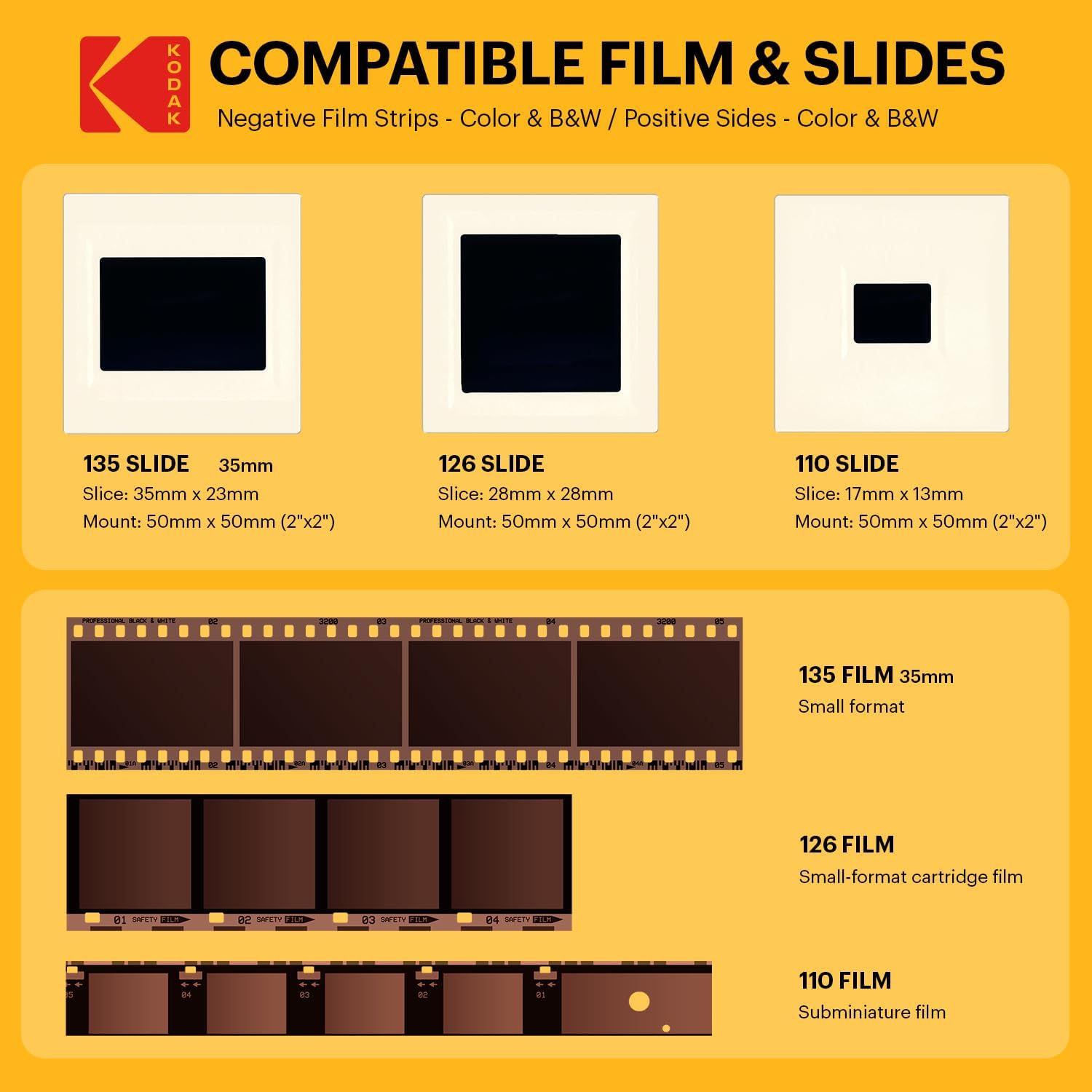
The title of this article specifies 35mm, so this needs to be stated plainly: no wand scanner in the $70–$180 range is a viable 35mm film scanner. A few models include a film adapter — a plastic holder and a backlight strip — and advertise “film scanning” capability. Owners consistently report that these produce usable images only for the smallest possible output: a small screen display or a 3×4 print at best.
The physics are unforgiving. A 35mm frame is 24×36mm. Capturing it with enough resolution to make a standard 4×6 print at 300 DPI requires approximately 1,260×1,800 pixels — which means you need a true optical resolution of roughly 1,260 pixels across a 35mm frame, or about 1,400 DPI optical. Filmscanner.info’s wand scanner overview confirms no current wand device in this price range achieves this optically. The Plustek OpticFilm 8300i Ai (a dedicated 35mm film scanner at the $400–$500 price point) starts at 7,200 DPI optical. The Epson Perfection V850 Pro (a premium flatbed with film holders) delivers 4,800 optical DPI. The gap between a wand scanner “film mode” and a genuine film scanner is not a small tradeoff — it’s a different category of device entirely.
If 35mm slides or negatives are your primary material, this price range is simply the wrong segment. The upgrade math is clear: a used Epson Perfection V600 (the previous generation of Epson’s mid-tier flatbed, widely available used in the $150–$220 range as of mid-2026) will outperform any new wand scanner on 35mm material by a factor that is not close. It handles 35mm negatives and slides with a film holder, delivers 6,400 optical DPI (manufacturer-rated), and includes Digital ICE infrared dust removal for compatible film stocks.
The Upgrade Path, Spelled Out
Here is the honest tier map for digitization budgets:
$70–$180 — Wand scanner: Best for large reflective prints you can’t flatbed, convenience sharing copies, and on-location triage. Not for film, not for archival masters.
$200–$400 — Entry-to-mid flatbed (Epson Perfection V39, Canon CanoScan series, or used V600): Handles prints up to 8×10 at archival quality, handles 35mm film acceptably, produces files large enough for meaningful AI enhancement later. This is where real preservation starts.
$500–$900+ — Mid-tier flatbed or dedicated film scanner (Epson V850 Pro, Plustek OpticFilm 8300i Ai): For fine-art quality, large prints from small negatives, and professional or semi-professional workflows. The V850 Pro’s multi-exposure feature (scanning the same frame twice and merging to reduce noise) is genuinely useful for dense negatives.
$150–$1,500 per project — Professional service: If you have irreplaceable material and no interest in DIY, professional scanning services and bespoke human restoration commissions exist at this range. You pay for operator expertise, calibrated equipment, and quality control you can’t replicate at home with any of the above.
The Decision Rule
Here’s the if/then framework this article has been building toward:
If your goal is sharing 4×6 or larger prints digitally, and archival permanence is not the priority: A wand scanner in the $100–$150 range (look for models with a speed indicator sensor and at least 600 DPI optical on the spec sheet — not the headline interpolated number) is defensible. Verify the optical spec before buying; the B&H Photo listings often include this in the technical specifications tab.
If your goal is archival preservation of any print material, or digitization of any film negatives or slides: Stop at this price range. A used Epson V600 or a new entry-tier flatbed at $200–$250 is your minimum viable tool.
If you have 35mm slides or negatives specifically: The wand scanner category does not serve you. The cheapest tool that does the job adequately starts at $200 and gets meaningfully better by $400–$500.
The wand scanner’s promise — scan everything fast and cheap — is real for a narrow slice of tasks. For the irreplaceable material sitting in that box, it’s a shortcut that creates a different kind of loss: files you’ll eventually rescan anyway, at the cost of the time you spent making inferior copies the first time.