August 1, 2026 • Doug Porter • 10 min reading time • Prices verified June 25, 2026
Hardware Calibrators for Restorers: Spyder, Calibrite, and the 'Good Enough Out of the Box' Trap
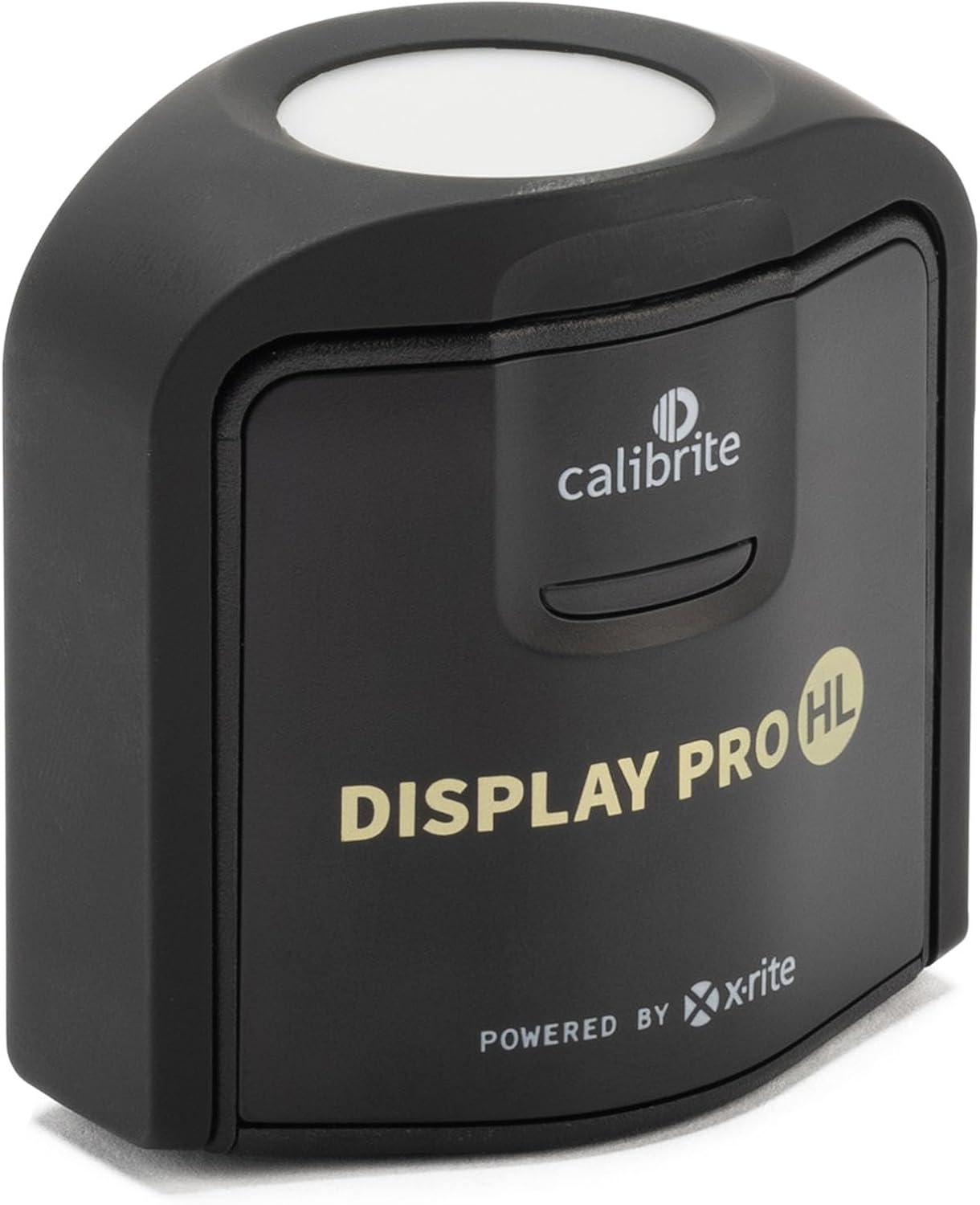
That box of slides, negatives, or prints represents something nobody can replace — the faces, the light, the specific afternoon in 1974 that no one alive remembers as clearly as the photograph does. You’ve invested real time and money into scanning and restoring those images. But here’s a question worth sitting with before your next session: how do you know your monitor is showing you the truth? A monitor calibrator is a small hardware device — roughly the size of a computer mouse — that measures what your screen is actually displaying and corrects it to a known, accurate standard. If you’ve never used one, there’s a real chance the colors you’re carefully correcting, the shadows you’re opening up, and the skin tones you’re balancing are all being judged against a distorted baseline. This article compares the two dominant calibrator lines — Datacolor’s Spyder series and Calibrite’s Display line — explains exactly where they differ, and gives you a clear decision framework for where you are right now.
| EDITOR'S PICKCalibrite Display Plus HL Monit… | Mid-tierCalibrite Display Pro HL Monito… | Budget pickDatacolor SpyderExpress – Easy… | |
|---|---|---|---|
| Max brightness | 10000 Nits | 3000 Nits | — |
| Display types | Mini LED, OLED | LCD, Mini LED, OLED | mini-LED |
| Software | PROFILER | PROFILER | — |
| Connectivity | USB C | USB C | — |
| Displays covered | — | — | 3 Displays |
| Price | $259.00 | $199.00 | $99.00 |
| See on Amazon → | See on Amazon → | See on Amazon → |
The “Good Enough Out of the Box” Trap Is Real, and It’s Expensive
Almost every monitor ships with a factory preset that looks impressive in a retail environment: punchy contrast, boosted saturation, brightness turned up to near-maximum. That’s deliberate. It sells screens. But for photo restoration work — where you’re making judgment calls about whether a faded Kodachrome cyan cast is 10 points off or 30 points off — a screen tuned for a showroom floor is actively working against you.
The pattern across long-run practitioner reviews is remarkably consistent: restorers and photographers who calibrate for the first time almost universally describe it as a revelation, not a minor tweak. Shadows that appeared to have detail turn out to be crushed. White backgrounds that looked neutral reveal a warm or cool shift. Brightness that felt comfortable is running 40–60 cd/m² (candelas per square meter — a measure of screen brightness) above the 80–100 cd/m² standard for print-referenced editing. The B&H Photo Video product Q&A section for the Calibrite Display Pro HL includes accounts from buyers who calibrated multiple displays and found every single one meaningfully off factory spec — not one was close enough to trust without profiling.
For restoration work specifically, the stakes compound. You’re not correcting a scene you can reshoot. You’re making permanent judgment calls about a faded Ektachrome magenta shift that exists only in this one scan. If your monitor is adding its own magenta bias on top of that, you will overcorrect — and the “restored” file you deliver or archive will be wrong in a way that’s invisible to you until someone else opens it on a calibrated display.
Wirecutter’s monitor calibrator guide (published by The New York Times / Wirecutter, updated 2025, title: “The Best Monitor Calibrator”) puts it plainly: even high-quality IPS panels drift measurably within the first few hundred hours of use, and nearly all panels — including premium options — show significant factory variance that a hardware calibrator corrects in minutes.
Spyder vs. Calibrite: Where They Actually Differ
Both Datacolor (Spyder) and Calibrite (formerly X-Rite’s consumer division, rebranded in 2022) make colorimeters — devices that measure the actual light your screen emits across a test pattern of colors and tones, then generate an ICC profile (a standardized color correction file) your operating system applies system-wide. The measurement science is similar at each tier. The differences live in software, speed, hardware design, and how much control you get over the profiling process.
SpyderX Express — Entry-Tier Speed
The SpyderX Express is the entry point and earns consistent praise for one specific reason: its workflow is genuinely fast. Calibration runs typically complete in under 80 seconds, which reviewers across B&H Photo Video’s Spyder product listings repeatedly cite as a real-world differentiator — you recalibrate more often when it takes less than two minutes. One reviewer noted a direct impact on print output: regular calibration “cuts down on test prints significantly,” a direct cost saving for anyone doing fine-art printing or proofing restoration work for clients.
The persistent criticism of Spyder software — across review aggregations and practitioner forums including discussions on Luminous Landscape (luminous-landscape.com) — is consistent enough to treat as established: the interface feels dated, runs slowly on modern Apple Silicon and current Windows machines, and the workflow design hasn’t kept pace with the hardware quality. This does not affect the accuracy of the resulting profile, but it does affect whether you calibrate every two weeks or let it slide to every six months because the process feels like a chore.
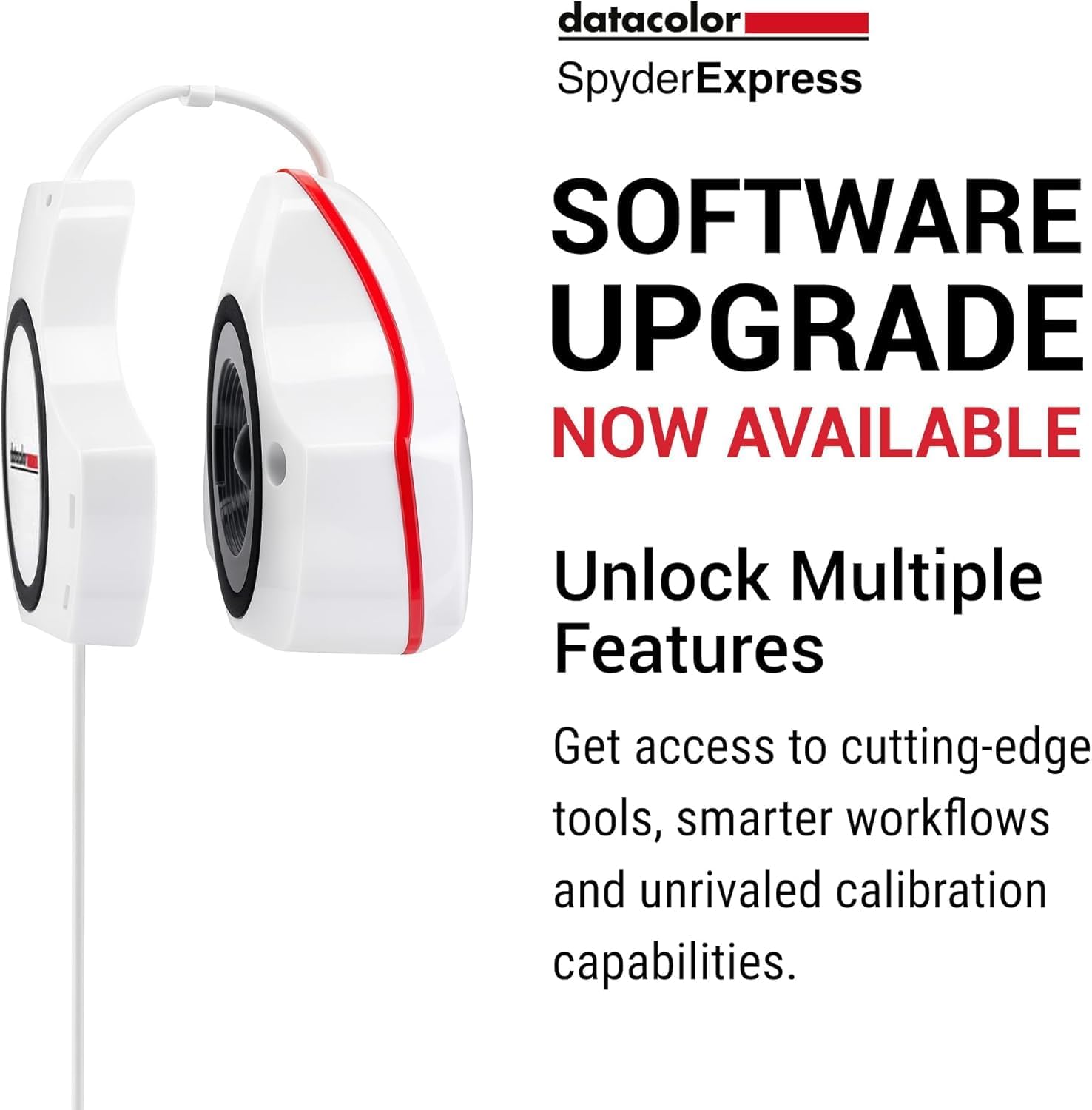
Datacolor
$99.00
In stock on Amazon
Check price on AmazonSpyderX Pro — Mid-Tier Multi-Condition Profiling
The SpyderX Pro adds ambient light measurement (so the profile adjusts for your room’s lighting conditions), a wider set of calibration targets, and the ability to create multiple profiles for different working conditions. For a restorer who works under both daylight and tungsten lighting, or who needs separate profiles for print-referenced work versus screen delivery, the Pro tier earns its price over the Express.
Multi-monitor support is also unlocked at this tier — you profile each display separately and save individual ICC profiles. For restorers running one screen for editing and a second for reference or client preview, this alone is reason to skip the Express. The same software limitations that affect the Express apply here, but the additional profiling controls — particularly white point and luminance targeting — are genuinely useful for print-to-screen matching, as Luminous Landscape’s practical guide to monitor calibration (luminous-landscape.com, “Monitor Calibration for Photographers: A Practical Guide”) notes: fine control over those parameters is where accurate print output is actually achieved.
Calibrite
$199.00
In stock on Amazon
Check price on AmazonCalibrite Display Plus HL and Display Pro HL — Premium Wide-Gamut Accuracy
Calibrite’s Display Plus HL and Display Pro HL are the direct competitors to the Spyder Pro tier and above. The “HL” designation indicates high-luminance capability — these devices can accurately measure and profile very bright displays, including HDR-capable monitors that a standard colorimeter struggles to read accurately.
Reviewers at B&H Photo Video (Calibrite Display Pro HL product page and customer Q&A, bhphotovideo.com, accessed May 2026) and across aggregated professional reviews consistently describe Calibrite’s software — formerly i1Profiler, now Calibrite PROFILER — as meaningfully more modern and capable, particularly for users on current macOS and Apple Silicon systems. This matters because there is a documented, practically significant issue affecting Apple’s own display calibration system under recent macOS versions that can interfere with color accuracy on Apple displays. The Calibrite workflow routes around this more reliably than the Spyder software, according to multiple macOS-specific accounts in the B&H product Q&A for the Display Plus HL.
The Calibrite Display Plus HL also includes a more sophisticated filter set that handles wide-gamut displays — monitors covering more than the standard sRGB color space, including DCI-P3 and Adobe RGB panels — more accurately than entry-tier colorimeters. Imaging Resource’s display profiling and colorimeter overview (imaging-resource.com) flags wide-gamut filter accuracy as a workflow-significant distinction at this tier: a bad wide-gamut profile is arguably worse than no profile at all, because it can skew colors in non-obvious ways that are hard to diagnose.
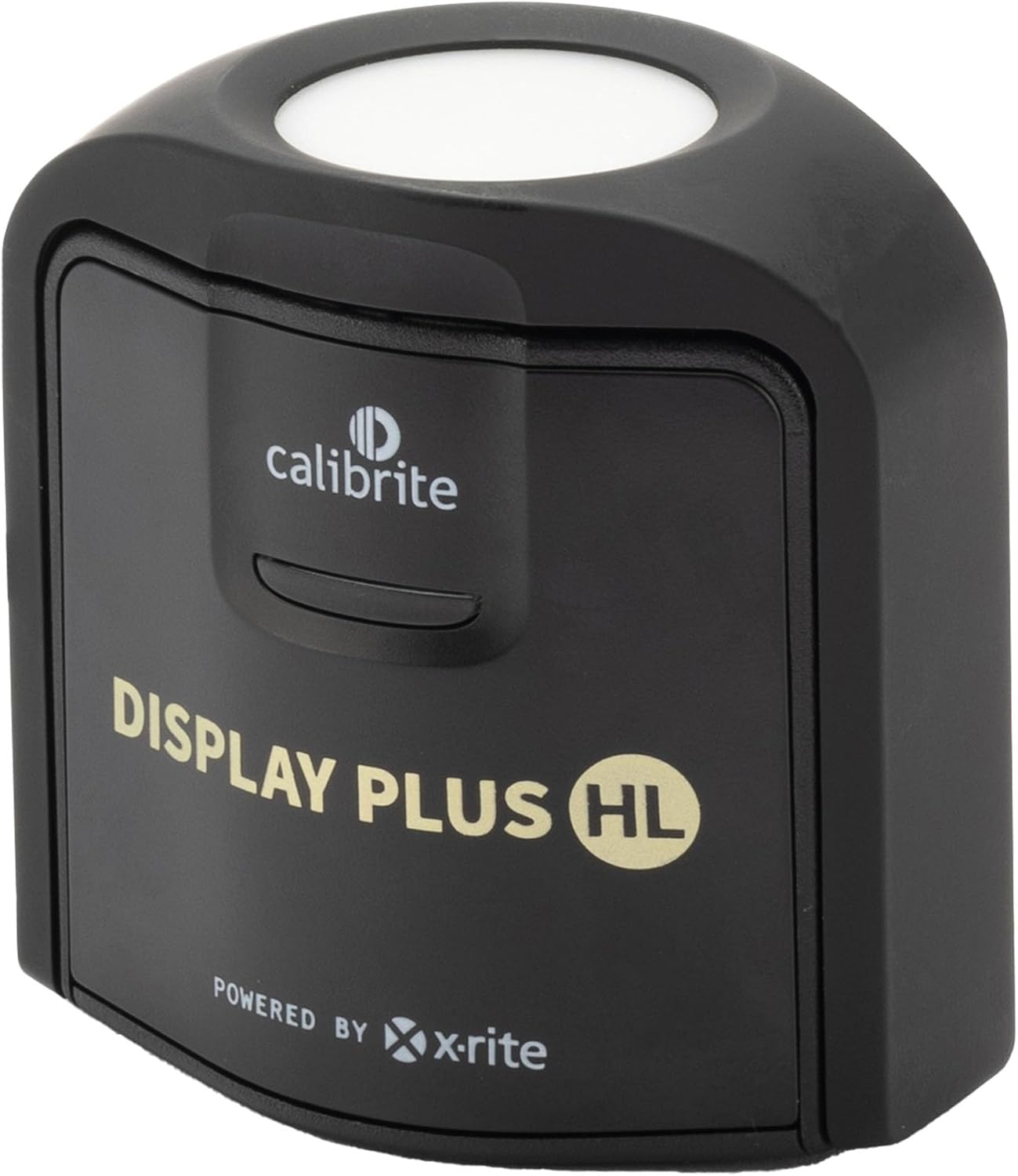
Calibrite
$259.00
In stock on Amazon
Check price on AmazonComparison at a Glance
| Device | Calibration Time | Wide-Gamut Accurate | macOS Apple Silicon | Best For |
|---|---|---|---|---|
| SpyderX Express | ~76 seconds | Limited | Yes (with caveats) | Occasional restorers, speed-first workflow |
| SpyderX Pro | ~90–120 seconds | Moderate | Yes (with caveats) | Multi-condition profiling, print output |
| Calibrite Display Plus HL | ~5–8 minutes | Yes | Yes (more reliable) | Wide-gamut monitors, macOS users |
| Calibrite Display Pro HL | ~5–8 minutes | Yes | Yes (more reliable) | Multi-monitor studios, HDR displays |
Calibration times and compatibility notes drawn from Datacolor and Calibrite published documentation and aggregated reviewer reports cited above, May 2026.
The Decision Frame: If X, Then Y
If you’re on a MacBook Pro or Apple Studio Display running macOS Sequoia or later: Default toward the Calibrite Display Plus HL. The macOS-specific calibration interference issue is real, documented in the B&H Photo Video Calibrite Display Plus HL product Q&A, and Calibrite’s software handles it more gracefully than Spyder’s current release. Imaging Resource’s colorimeter overview flags this as a workflow-significant distinction for Apple-primary users.
If you print output — client deliverables, fine-art prints, proofing restored images for archival output: Either SpyderX Pro or Calibrite Display Plus HL will serve you. The SpyderX Pro’s ambient light sensor is genuinely useful if your print-viewing and editing conditions differ. Hardware calibration typically pays for itself in avoided test prints within a single project cycle — a point made directly by buyers in B&H Photo Video’s Spyder product listings.
If your monitor is a wide-gamut panel covering Adobe RGB or DCI-P3: The Calibrite Display Plus HL or Pro HL is the correct tier. Entry-level colorimeters, including the SpyderX Express, can struggle to accurately measure outside the sRGB gamut, and as Imaging Resource’s colorimeter overview notes, an inaccurate wide-gamut profile introduces subtle but diagnostically difficult color errors.
If you’re on Windows doing occasional restoration work and want the fastest possible on-ramp: The SpyderX Express’s sub-80-second workflow removes the friction that causes calibration to lapse. A calibration that happens every three weeks on a simple device beats a theoretically superior calibration that happens twice a year because the setup feels burdensome.
If you’re running a dual-monitor setup: Both SpyderX Pro and Calibrite Display Plus HL support multi-monitor profiling. You profile each display separately and the software saves a separate ICC profile per display. This is one of the clearest reasons to step up from Express to Pro tier regardless of brand.
Frequently Asked Questions
How often should I recalibrate? For active restorers doing regular client or archival work, every two to four weeks is the standard recommendation — monitors drift measurably within that window, especially in the first 300–500 hours of use. For occasional restorers working a few sessions per month, monthly recalibration is sufficient. The rule of thumb from Luminous Landscape’s calibration guide (luminous-landscape.com): if you haven’t calibrated in more than 30 days and you’re about to make final color decisions on a file, calibrate first.
Does calibration help if I’m only sharing files digitally and not printing? Yes, meaningfully. When you deliver files digitally, recipients open them on their own displays. A correctly calibrated editing environment means you’re building color decisions on an accurate baseline. Files produced on an uncalibrated monitor often appear off when opened on a calibrated display. For archival files, you’re creating a permanent record — accuracy at the point of creation is non-negotiable.
Will these colorimeters work with Apple Silicon Macs? Both product lines are technically compatible with Apple Silicon. The practical distinction is that Calibrite’s software has received more consistent updates for current macOS behavior, and the documented Apple display calibration issue under recent macOS versions affects Spyder users more disruptively. If you’re on an M-series Mac, check Datacolor’s current compatibility documentation before purchasing and factor in Calibrite’s better-reviewed macOS track record as documented in the B&H Photo Video product Q&A.
Is there a meaningful quality difference between SpyderX Express and SpyderX Pro for photo editing? The sensor hardware is similar between the two. The difference is in what you can control: the Pro adds ambient light compensation, a wider range of calibration targets (gamma, white point, luminance), and multi-monitor support. For straightforward single-monitor restoration work in a consistent lighting environment, the Express produces accurate profiles. For print-referenced work or variable lighting conditions, the Pro’s additional controls are genuinely useful.
Why does my monitor look worse immediately after calibration when it looked fine before? This is the most commonly reported first-calibration experience — and it’s not the calibrator making things worse. It’s accurate rendering replacing flattering rendering. Brightness typically drops noticeably, contrast softens from the punchy factory preset, and colors that appeared vivid may look more muted. What you’re seeing is accuracy. The previous look was optimized for visual appeal, not color truth. The adjustment fades within a session or two as your eyes adapt to the calibrated baseline — and your editing decisions will be more reliable from that point forward.