July 4, 2026 • Doug Porter • 10 min reading time • Prices verified June 25, 2026
ASUS ProArt Monitor Lineup for Restorers: PA247CV, PA278QV, PA278CV, and PA279CRV Compared

That box of slides sitting on your desk — the Kodachrome Christmases, the faded Ektachrome vacations, the black-and-white portraits of people you never got to meet as adults — is not just a pile of plastic. It’s the only surviving visual record of moments that cannot be recreated. The monitor you use to evaluate and correct those scans is the single most load-bearing piece of equipment in your workflow. Not your scanner, not your software. The display. Because if your screen is lying to you about color and tone, every edit you make is chasing a ghost. A color-accurate monitor — one that has been independently verified to reproduce colors the way an international standard expects them to look — tells you what is actually in the file, not what the panel’s manufacturer hoped would look punchy on a showroom floor.
This article compares four ASUS ProArt monitors that restorers consistently shortlist: the 24-inch PA247CV, the 27-inch PA278QV, the 27-inch PA278CV, and the 27-inch 4K PA279CRV. We also bring in the BenQ SW272Q where the spec gaps matter. If you are past the “what is color accuracy even” stage and have a real project in front of you — a family archive commission, a personal digitization run, a boutique studio setup — this is the comparison you actually need.
The Shared Spec Floor That Separates ProArt from Consumer IPS
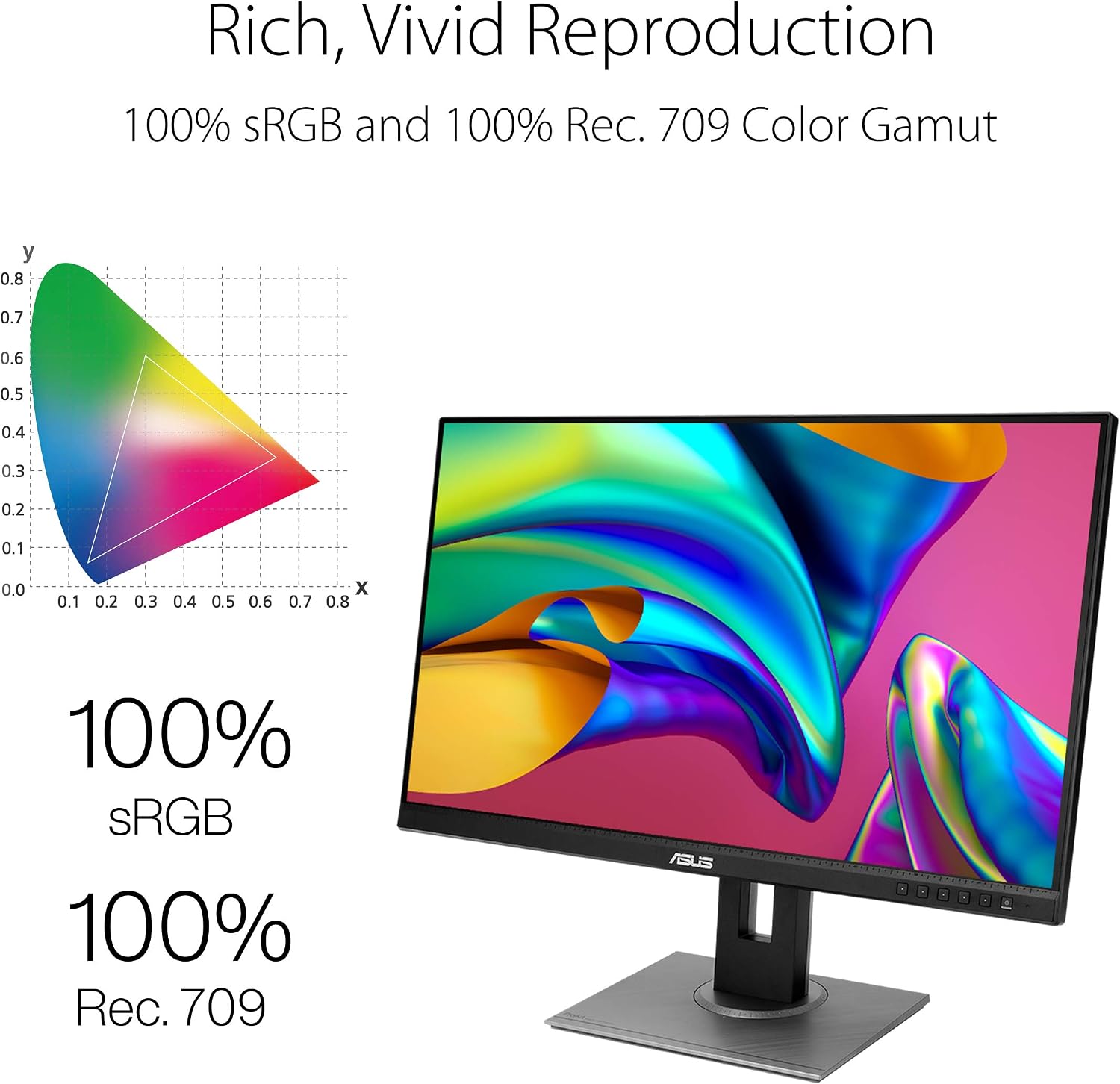
All four ProArt models share a foundation that distinguishes them from typical consumer IPS panels. IPS — In-Plane Switching — is the panel technology that delivers wide viewing angles and consistent color relative to cheaper TN or VA alternatives. Every monitor in this family ships factory-calibrated with an individual calibration report. All four cover 100% of the sRGB color space, which governs how images appear on screens, in browsers, and in most digital delivery contexts. All four carry Calman Verified certification, meaning Portrait Displays’ Calman software has independently confirmed that the factory calibration meets tight delta-E tolerances. Delta-E is the unit used to measure how far a displayed color sits from its target value; a delta-E under 2 is considered imperceptible to most human eyes, and these panels are rated at delta-E < 2 out of the box, per ASUS Global product specification sheets for each model.
That shared floor matters because it means you are not choosing between accurate and inaccurate within the ProArt family. You are choosing between workflow fit, resolution, connectivity, and color-space ceiling — and those differences are real and consequential.
ProArt family specifications at a glance:
| Model | Size | Resolution | Adobe RGB | USB-C PD |
|---|---|---|---|---|
| PA247CV | 24″ | 1920×1080 | sRGB only | 65 W |
| PA278QV | 27″ | 2560×1440 | sRGB only | None |
| PA278CV | 27″ | 2560×1440 | sRGB only | 65 W |
| PA279CRV | 27″ | 3840×2160 | 99% Adobe RGB | 96 W |
The step from the PA278CV to the PA279CRV is not incremental. Both the resolution and the color gamut shift in ways that change the use case, not just the spec sheet.
Three Tiers, Three Restorer Profiles
The 24-Inch Entry Point: PA247CV
The PA247CV is the smallest and most affordable monitor in this comparison. At 1920×1080 on a 24-inch IPS panel, it meets the color-accuracy floor — factory calibration, Calman Verified, delta-E < 2, 99% sRGB — and it includes 65 W USB-C power delivery. For a restorer running a MacBook Air from a single cable, that matters. The screen real estate and resolution are the honest constraints. When you are evaluating a 35mm frame scanned at 4,000 ppi on a Plustek OpticFilm 8300i or similar dedicated film scanner, your working file is likely 5,000 to 7,000 pixels on the long edge. At 1080p, you are always viewing a significantly scaled-down version unless you zoom into subregions. You can do accurate color work at 1080p — the color is genuine — but grain evaluation and fine-detail assessment require frequent zooming. It is a capable primary monitor for someone whose budget is firm and whose output is digital delivery. It is not a monitor that grows well with expanding ambitions.
ASUS
$189.05
In stock on Amazon
Check price on AmazonThe 27-Inch 1440p Tier: PA278QV and PA278CV
Both the PA278QV and the PA278CV offer 27 inches and 2560×1440 resolution on factory-calibrated IPS panels, and both represent the editorial center of gravity for intermediate-level restoration work. The meaningful difference between them is connectivity.
The PA278QV is the older model and has accumulated the deeper body of long-form user review coverage. Discussions on photopxl.com and in the luminous-landscape.com community forums have cited it for years as a value leader in prosumer imaging — strong color accuracy, solid uniformity, and a price that positions it well below the 4K tier. It connects via DisplayPort and HDMI. It does not include USB-C. If your workstation is a desktop with discrete graphics, that is not a problem. If your workstation is a MacBook Pro or MacBook Air and you want a single-cable setup that carries video, data, and power simultaneously, the PA278QV requires an adapter chain that introduces friction and defeats the purpose of a clean desk workflow.
The PA278CV solves that problem. It matches the PA278QV’s resolution and color-accuracy credentials while adding 65 W USB-C power delivery. Aggregated buyer reviews on B&H Photo Video’s PA278CV product listing consistently name the USB-C implementation as a purchase driver equal in weight to the color accuracy itself. Sixty-five watts is enough to run a MacBook Air at full charge and a MacBook Pro 14-inch at a reduced rate under moderate load.
Decision rule for this tier: If you are on Apple Silicon and a single-cable workflow matters, the PA278QV is off the table regardless of any price advantage. The PA278CV is your minimum.
ASUS
$257.19
In stock on Amazon
Check price on AmazonThe 4K Wide-Gamut Tier: PA279CRV and BenQ SW272Q
The PA279CRV is where the ProArt line changes character. The resolution steps from 1440p to 3840×2160, and the color gamut expands from sRGB-only to 99% Adobe RGB coverage. Those two upgrades are solving different problems and are worth separating clearly.
The 4K resolution matters most when you are evaluating high-resolution scans at or near 1:1 pixel view. At 3840 pixels wide, you can display significantly more of a 35mm frame at full resolution before the image exceeds the canvas edge. For grain evaluation, Newton ring detection from flatbed scanning, or assessing how a fine dust scratch runs through midtone shadow detail, that additional screen real estate has a genuine functional case. The PA279CRV also steps up to 96 W USB-C power delivery, which comfortably sustains a MacBook Pro 14-inch and comes close to covering the 16-inch model under moderate workload, per ASUS Global’s PA279CRV specification sheet.
The Adobe RGB gamut coverage matters most when your output path includes wide-gamut print production. For digital delivery — family sharing platforms, digital archives, web presentation — 100% sRGB is not a compromise; it is the correct delivery standard. But if you are producing fine-art prints for a client through a print lab running AdobeRGB-profiled workflows, a monitor that covers only sRGB will display saturated reds, cyans, and greens as clipped approximations. You cannot accurately evaluate a color your display cannot reproduce.
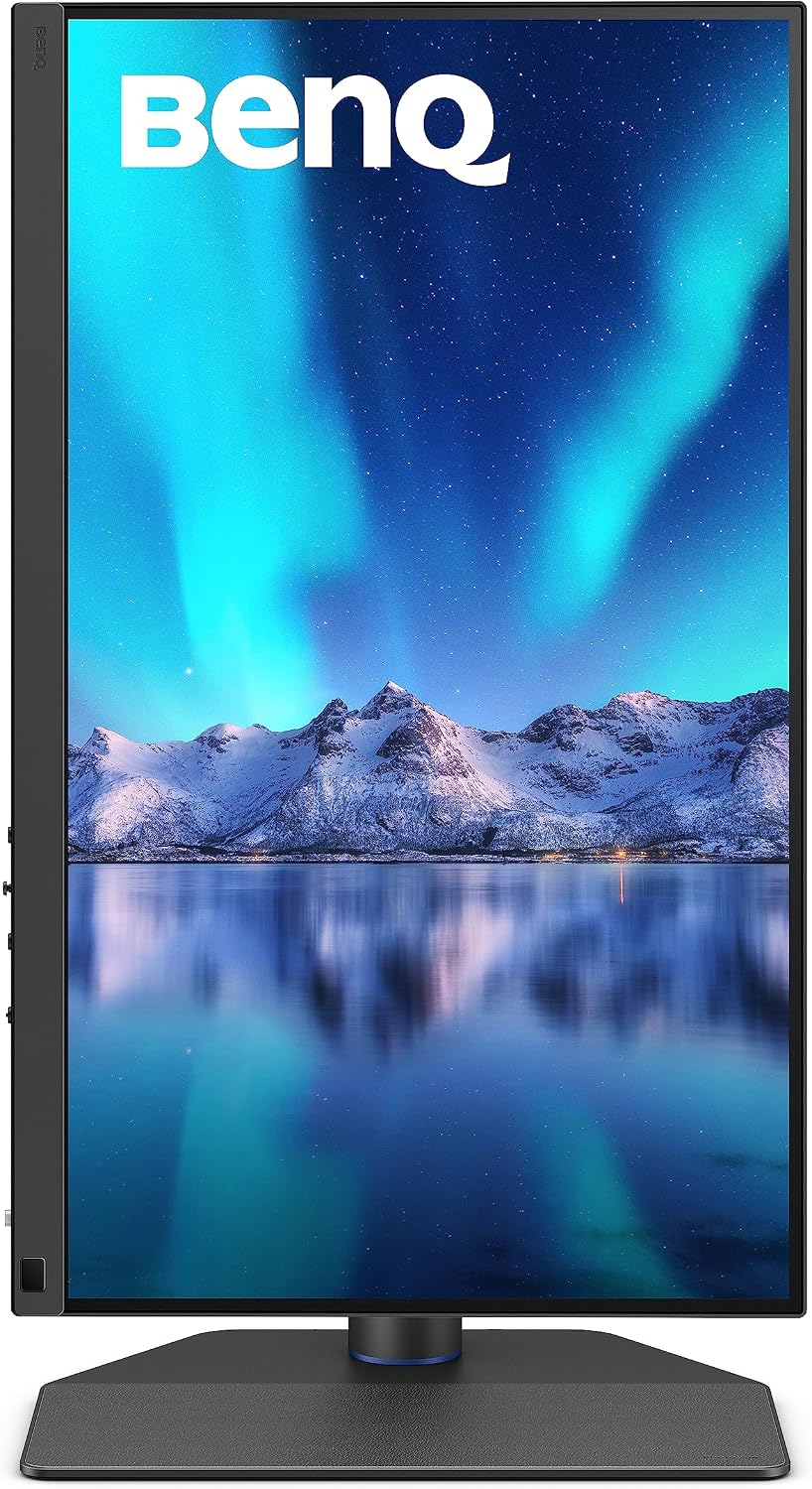
For restorers whose work ends at print output but who do not need 4K resolution, the BenQ SW272Q is a direct alternative worth serious evaluation before committing to the PA279CRV. Per BenQ’s published product specification sheet for the SW272Q, the panel covers 99% Adobe RGB and 95% DCI-P3 at 27 inches and 2560×1440 resolution. It also includes a dedicated hardware calibration port for direct colorimeter integration — a feature that allows supported colorimeters to write calibration data directly to the monitor’s lookup table rather than relying on a software ICC profile, which is a meaningful advantage in print-proofing workflows. The luminous-landscape.com community has discussed the SW272Q as a serious print-proofing tool for photographers whose output is gallery printing. The ProArt PA279CRV wins on resolution; the BenQ SW272Q competes hard on gamut purity and hardware calibration depth at a lower price point.
BenQ
$799.99
In stock on Amazon
Check price on AmazonBuild Quality, Backlight Uniformity, and the Problem with Budget IPS
One pattern that appears consistently in long-form PA278QV and PA278CV owner reviews is the contrast between ProArt build quality and prior experiences with budget IPS panels. Reviewers describe previous monitors with backlight bleed — uneven patches of luminance glow, particularly in dark-field scenes or when lifting shadow detail from a dense Kodachrome original or recovering near-black detail in an underexposed negative scan. For restoration work where shadow evaluation is routine, backlight uniformity is functional, not aesthetic.
ASUS rates the ProArt panels for uniformity compensation — a firmware-level correction that levels out luminance variation across the screen surface. This does not eliminate the underlying physics of edge-lit panels, but owner reports in aggregated reviews consistently indicate meaningfully better dark-field uniformity than comparably priced consumer IPS displays.
All four models use a matte anti-reflective coating rather than a glossy surface. Matte coatings reduce specular glare in mixed or overhead lighting — the kind of environment most home and small-studio restoration setups operate in — at the cost of introducing a mild surface texture. Some reviewers describe this texture as slight perceived softness on very fine line detail or small type. For photographic image evaluation at normal working distances, the effect is minor and broadly accepted as a worthwhile tradeoff. Imaging-resource.com’s coverage of prosumer IPS display selection has noted that matte coatings remain the standard recommendation for calibration-critical workflows because the glare reduction is more operationally significant than the texture penalty in most real-world environments.
Calibration: Factory Reports Are a Starting Point, Not a Maintenance Plan
Every ProArt monitor in this comparison ships with a factory calibration report and Calman Verified certification. That certification confirms the panel met delta-E < 2 tolerances when it left the facility. It does not guarantee continued accuracy. Monitor panels drift — luminance, white point, and gamma all shift gradually with hours of use, and the rate accelerates as backlights age.
For critical color work, photopxl.com’s monitor calibration workflow coverage recommends recalibrating every four to six weeks using a hardware colorimeter such as the X-Rite i1Display Pro or Datacolor Spyder series. A hardware colorimeter reads actual output from your specific panel under your specific ambient lighting and builds a corrected ICC profile that accounts for current drift. The factory report documents original factory performance; it cannot substitute for ongoing measurement. For client commissions or fine-art print output, a hardware colorimeter — typically in the $150 to $250 range — is not optional equipment. It is the tool that keeps the factory calibration’s promise accurate across the life of the monitor.
Frequently Asked Questions
Do I need a hardware calibrator if my ProArt is Calman Verified out of the box?
The Calman Verified certification reflects the unit’s accuracy at factory. Panels drift with hours of use. photopxl.com’s calibration workflow coverage recommends hardware recalibration every four to six weeks for color-critical applications. The factory report is a baseline, not an ongoing guarantee.
What is the practical difference between sRGB and Adobe RGB for film restoration?
For digital delivery, there is no practical difference — sRGB is the correct delivery standard. For wide-gamut print output through a print lab, Adobe RGB contains saturated colors that sRGB cannot represent, and a monitor limited to sRGB will display those colors as clipped approximations. If print is your output, wide-gamut coverage is not optional.
Which ProArt works best as a single USB-C connection for a MacBook?
The PA279CRV at 96 W is the cleanest fit for a MacBook Pro 16-inch. The PA278CV at 65 W handles the MacBook Air comfortably. The PA278QV has no USB-C and is not suited to single-cable laptop workflows.
Is 1440p sufficient for grain evaluation in high-resolution film scans?
It is workable but requires zooming to assess fine grain in 4,000 ppi or higher scans. At 4K, you can display more of the frame at or near 1:1 before running out of canvas, which has a real functional advantage when evaluating scan sharpness, dust, or grain texture routinely.
Should print-output restorers choose the PA279CRV or the BenQ SW272Q?
Both cover 99% Adobe RGB. The PA279CRV wins on resolution — 4K versus 1440p. The BenQ SW272Q, per BenQ’s published specification sheet, includes a hardware calibration port for direct colorimeter integration and typically carries a lower price. If 4K resolution is not a priority and print proofing is the primary use case, the SW272Q deserves direct evaluation before the PA279CRV.